
A free handwritten variable font
Sunny Marker
SMALL NOTES. BIG PERSONALITY.
npm install @sunnyai/sunny-markerRun in your project folder, then import “@sunnyai/sunny-marker/css”.
<link rel="stylesheet" href="https://cdn.jsdelivr.net/npm/@sunnyai/sunny-marker@1/index.css">Paste it into your page’s <head>. No download needed.
Mac: double-click the .ttf and click Install. Windows: right-click it, then Install.
Make it your own.
Type your own words. Drag a slider. Find your kind of Sunny.
More options & CSS
Adjusts spacing and small details for the size you use.
font-family: "Sunny Marker", cursive;
font-size: 32px;
font-weight: 400;
font-stretch: 100%;
font-style: normal;
font-optical-sizing: auto;
font-synthesis: none;
text-transform: uppercase;
A little Sunny, in the wild.
Small notes, useful labels, and room to play.
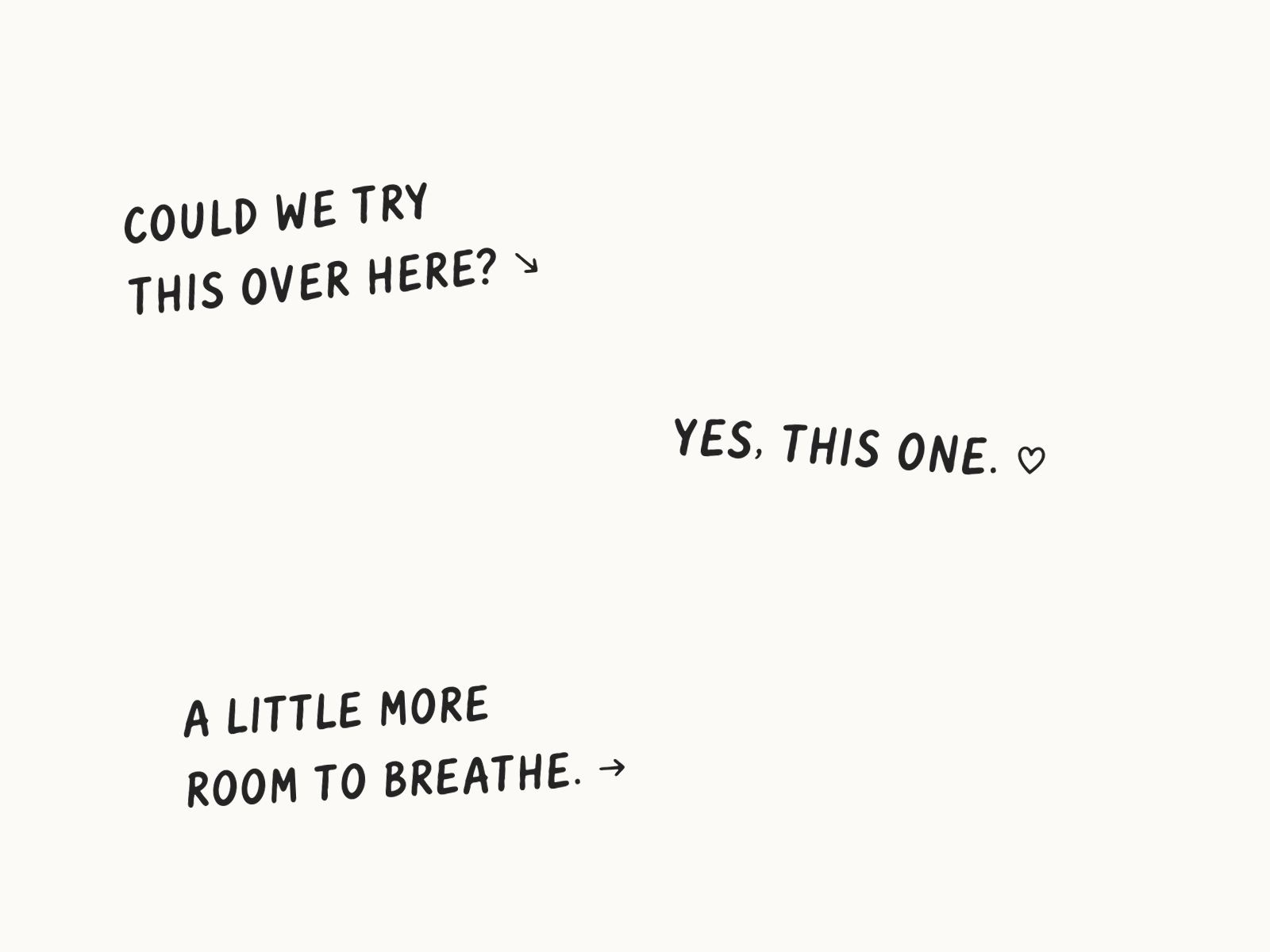
In the margins
A few small notes, with room to breathe.

Small but mighty
Condensed lettering for labels and little spaces.
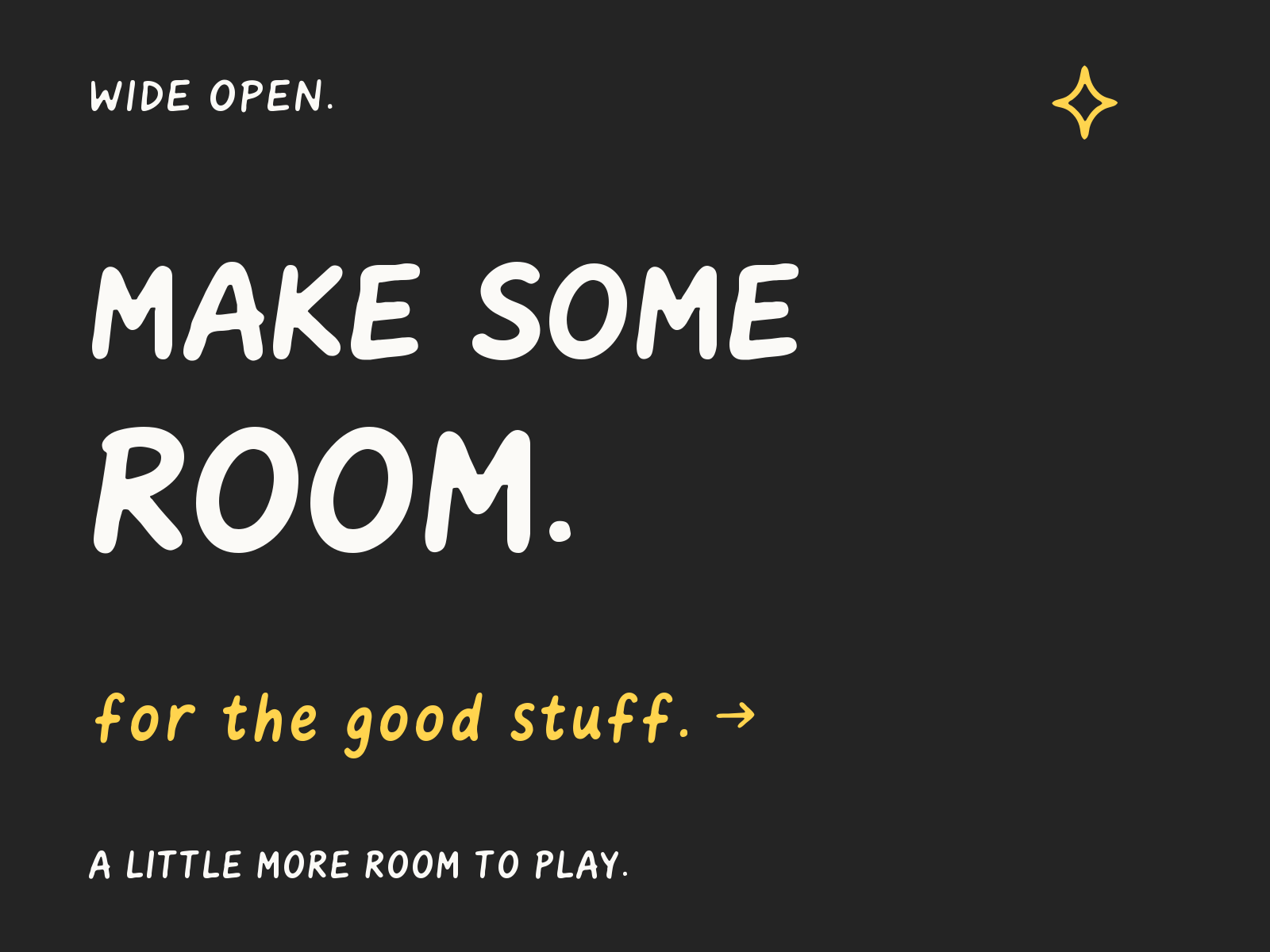
Wide open
Expanded headlines with a softer lowercase note.
One file, four axes.
Mix them freely. Optical size follows the text size on its own.
Weight300–700
Fine tip to fat marker.
Width75–125%
Condensed labels to wide headlines.
Slant0–9°
A lean on the same letters.
Optical sizeAutomatic
Small text gets a taller lowercase and more room.
Every little character.
391 glyphs. Letters, accents, arrows, and the little extras.
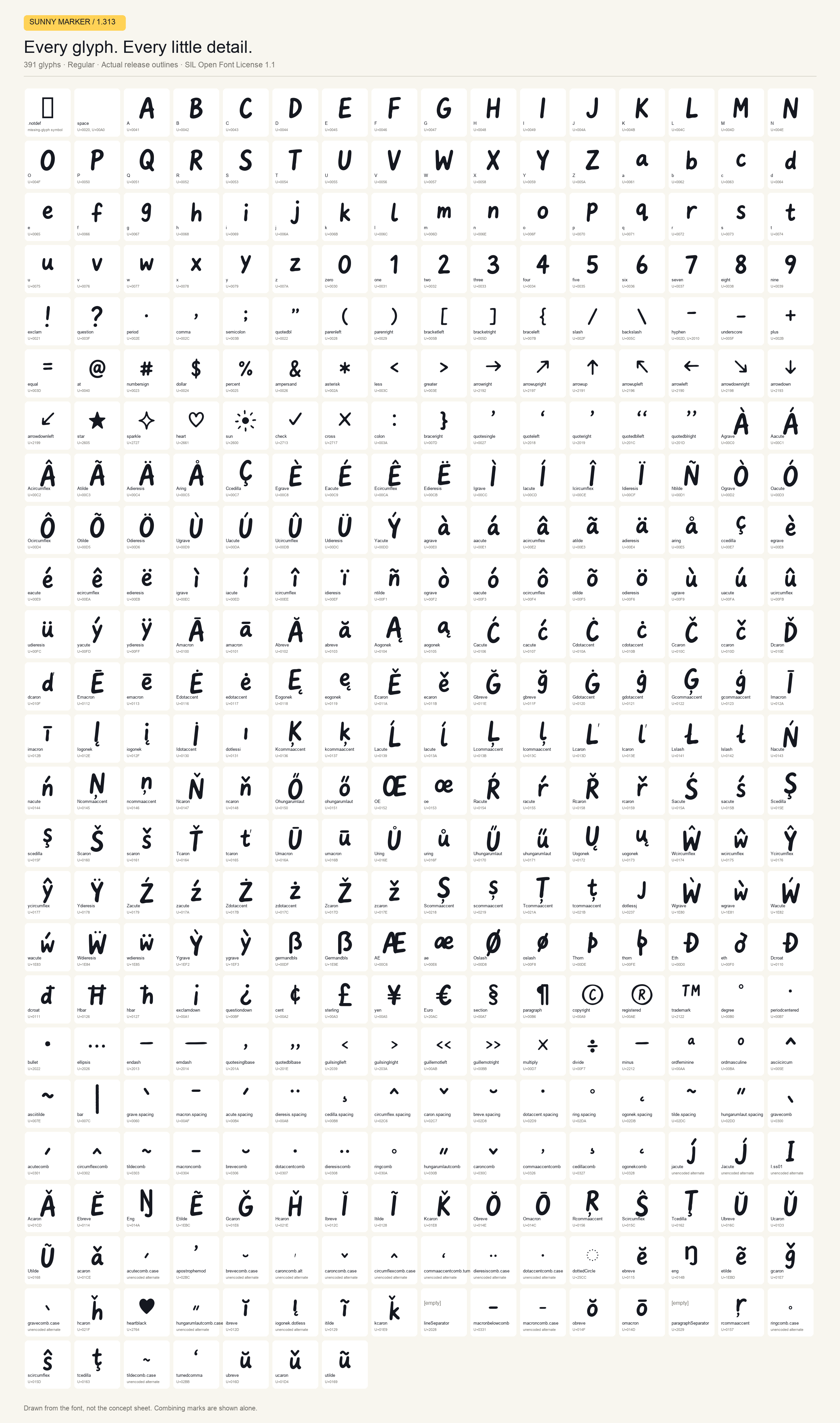
Combining marks and alternates are shown individually. Use arrow keys to browse the grid.
Add a little Sunny.
Pick where you’ll use it.
Add one line to your page’s <head>. There’s nothing to download.
<link rel="stylesheet" href="https://cdn.jsdelivr.net/npm/@sunnyai/sunny-marker@1/index.css">Then use it anywhere in your CSS.
.note {
  font-family: "Sunny Marker", cursive;
  font-weight: 500;
  font-stretch: 90%;
}Install it inside your app’s folder.
npm install @sunnyai/sunny-markerImport the stylesheet once, in your app’s entry point. It adds the font and nothing else.
import "@sunnyai/sunny-marker/css";Then use it anywhere in your CSS.
.note {
  font-family: "Sunny Marker", cursive;
  font-weight: 500;
  font-stretch: 90%;
}Install it inside your app’s folder.
npm install @sunnyai/sunny-markerLoad it with next/font in your root layout.
import { SunnyMarker } from "@sunnyai/sunny-marker/next";

export default function RootLayout({ children }) {
  return (
    <html lang="en" className={SunnyMarker.variable}>
      <body>{children}</body>
    </html>
  );
}Then use the CSS variable.
.note {
  font-family: var(--font-sunny-marker), cursive;
  font-optical-sizing: auto;
  font-synthesis: none;
}- Download the zip and open it.
- On a Mac, double-click
SunnyMarker[opsz,slnt,wdth,wght].ttfand click Install. On Windows, right-click it and choose Install. - Pick Sunny Marker from the font menu. Figma, Sketch and Adobe apps give you sliders for weight, width and slant.
If an app only shows one style, install the 30 fonts in the static folder instead. Install one set or the other, not both.
Copy web/SunnyMarker-Variable.woff2 from the download to your site, then declare it once. All four axes come from this one file.
@font-face {
  font-family: "Sunny Marker";
  src: url("/fonts/SunnyMarker-Variable.woff2") format("woff2");
  font-weight: 300 700;
  font-stretch: 75% 125%;
  font-style: oblique 0deg 9deg;
  font-display: swap;
}Then use it anywhere in your CSS.
.note {
  font-family: "Sunny Marker", cursive;
  font-weight: 500;
  font-stretch: 90%;
}Free for personal and commercial work under the SIL Open Font License 1.1. Use it in apps, sites, print and products, change it, and share it. The one thing you can’t do is sell the font on its own.